
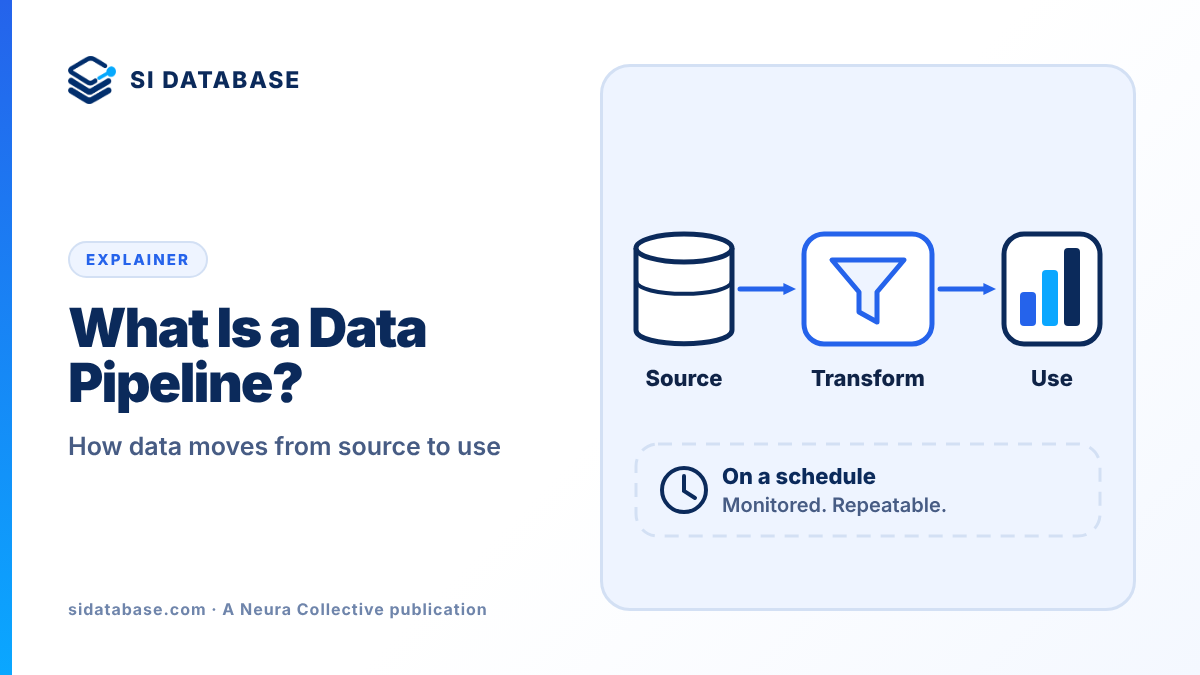
A data pipeline is a series of automated steps that move data from where it is created to where it is used, transforming it along the way as needed. The steps follow defined dependencies and may run on a schedule or as new data arrives, so a report or an application can receive updates without copying files by hand.
Consider an online store. Each order lands in the store’s database, but the finance team reads a dashboard of revenue by region and month. Something has to copy the orders into the system behind that dashboard, convert prices to one currency, drop the test orders, and repeat the job tomorrow. That something is a pipeline. (The store is our illustration; the pattern is the same in most organizations.)
Extract, transform, load
Microsoft’s documentation describes the classic pattern as extract, transform, and load, or ETL. Extract defines the source and the data to pull from it, such as a database query or a set of files. Transform covers operations like splitting, combining, deriving, or removing columns, and mapping fields from the source to the destination. Load defines the destination, starts the job, and monitors it. Microsoft advises testing a job in development before it runs in production, and setting up proactive and reactive monitoring.
Many cloud systems now change the order. In extract, load, and transform (ELT), the data lands first in its original format, and structure is applied afterward. Microsoft lists the benefits: the source data can be retained in its original format, whether JSON, XML, PDF, or images; several downstream systems can use the same source data; and loading can be faster, with less strain on the source systems. In the company’s words, “The steps for the ELT process are the same as for the ETL process. They just follow a different order.”
A companion Microsoft guide on loading a data warehouse adds a habit worth copying: load into a staging table first. “Staging tables allow you to handle errors without interfering with the production tables.” A load designed this way can keep the rows people read untouched until the new batch passes inspection.
Which order fits depends on the destination and on who is responsible for interpreting the data. Our comparison of data warehouses, lakes, and lakehouses explains how that choice plays out.
What keeps the steps in order
Steps depend on each other. In a batch ETL job, the load should wait for the transform to finish, and the transform should not read an incomplete extract. In ELT, the transformation follows the load. Orchestration tools manage those dependencies.
In Apache Airflow, a workflow is a DAG (directed acyclic graph): a group of tasks plus the dependencies that say how they should run. By default, a task runs only after every task upstream of it has succeeded. A DAG can run on a schedule written in cron-style values such as @daily, or it can be triggered manually or through an API. Settings such as retries apply to the tasks; the documentation’s example gives each task two retries. Airflow can also backfill, which means running copies of a workflow for each day of a past period, such as the previous three months.
Orchestration answers the question “what runs when.” It does not answer whether the output is right.
Where pipelines break
Failures rarely announce themselves. A source system renames a column, and the transform step quietly produces empty values. A task fails partway through, and a retry begins from the top.
Retries create a subtler problem. Suppose the first attempt already wrote half of the day’s orders before it failed. A retry that only appends rows would count those orders twice, so a repeatable step might replace the day’s output or use stable identifiers to avoid inserting the same orders again. (This example is our illustration, not one from the documentation.)
Run records help. The OpenLineage specification, an open standard for describing pipeline activity, models each execution as a run of a job that reads or writes datasets. A run reports states such as START and COMPLETE. Optional details can include an error message for a failed run and, for outputs, statistics such as row count and byte size. A table that normally gains thousands of rows and gained a dozen yesterday has a story to tell, even if the job reported success.
Run records show that something happened. They do not show that the data is right. As our article on why clean data is not necessarily correct data explains, tidy and consistent records can still be wrong, so a pipeline needs checks on content as well as on whether it ran.
Questions to ask about any pipeline
- Who owns it, and who gets alerted when it fails?
- Can a failed run be repeated without duplicating data?
- Where is the record of what ran, when, and on which inputs?
- Which reports or AI applications depend on its output?
The last question gains weight as AI systems pull answers from the stores that pipelines fill. A system built on retrieval-augmented generation can retrieve stale evidence if its pipeline has not delivered the latest data. The first question belongs to data governance, which asks who is responsible for the meaning and quality of the data a pipeline moves.
The practical test of a pipeline is what happens on a bad day: whether someone finds out, and whether a rerun fixes the problem without making a new one.
Sources and further reading
- Microsoft Learn, Describe data integration patterns: ETL and ELT stages, benefits, and differences.
- Microsoft Learn, Design ELT data loading for a dedicated SQL pool: ELT steps and the staging-table practice.
- Apache Airflow documentation, DAGs (version 2.4.1): tasks, dependencies, schedules, retries, and backfill.
- OpenLineage, Object Model: jobs, runs, datasets, and run states.
Read next
Know someone who would find this useful?
Share it with a colleague or post it where your team talks about data.

The Data Behind AI
A 48-page illustrated guide to databases, search, and intelligent systems. No coding required.
Explore the book →